Multi-site organisations
Questions you can answer
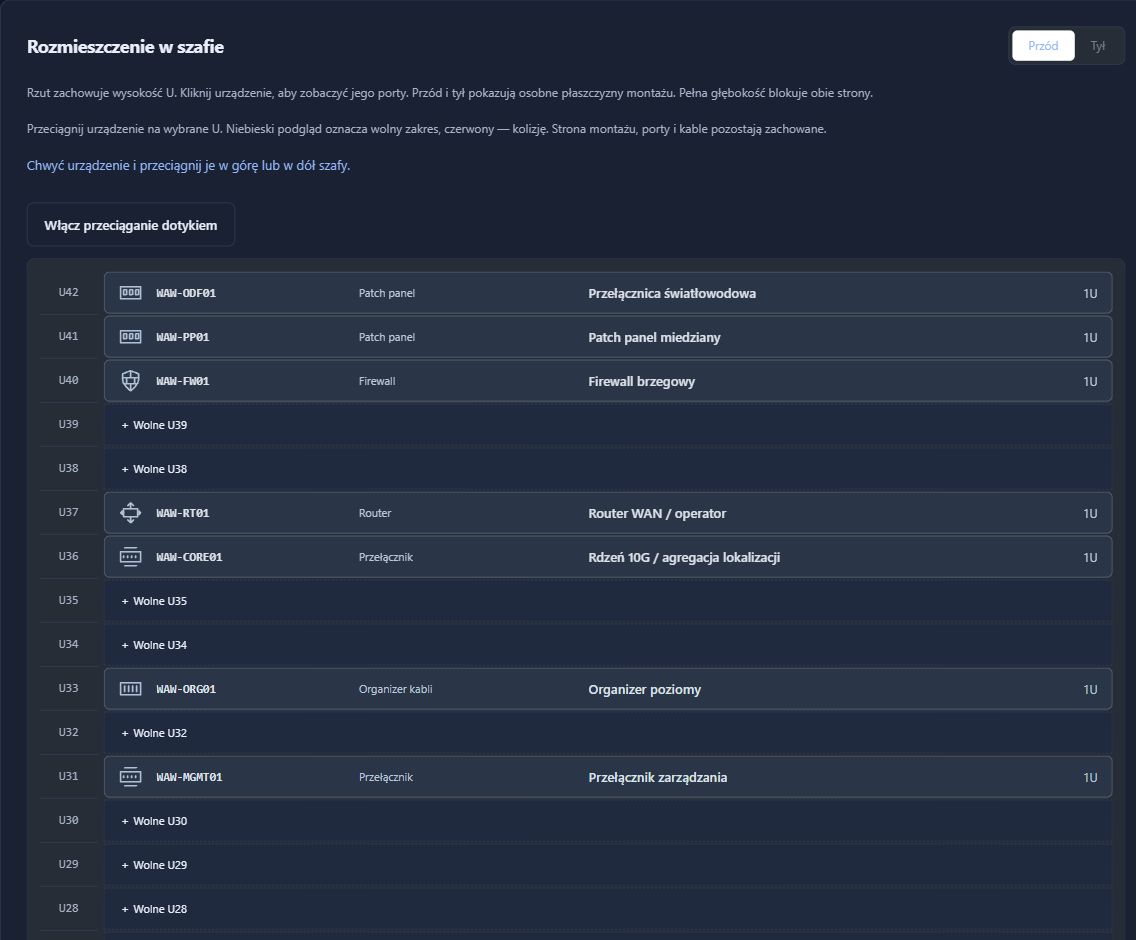
- Where is the equipment on the site plan?
- How is the connection between buildings or racks documented?
- What did the last stocktake confirm, and what still needs investigation?
01. Give every asset a specific place.
A branch becomes a location, with rooms, racks and other mounting places organising the equipment within it. Place assets on a plan to relate them to the building layout. This gives you a concrete reference when speaking to someone on site, rather than reconstructing a device’s whereabouts from memory.
- Agree consistent names for branches and mounting places.
- Associate devices with the correct location.
- Keep plans aligned with the actual equipment layout.
02. Connect location knowledge with connection records.
Topology groups recorded devices and connections, while fibre documentation lets you follow a recorded path. Prepare the points to inspect before a visit: the rack, port and remote cable endpoint. This is especially useful when different teams maintain different parts of the environment.
- Review the recorded relationships between devices.
- Inspect the documented fibre path where relevant.
- Verify the physical arrangement before changing connections.
03. Turn each visit into maintained knowledge.
QR labels lead to the relevant records, and an inventory round structures verification. Results and comparisons help distinguish confirmed items from discrepancies needing investigation. Update the inventory from the findings after the visit instead of leaving another folder of photographs to interpret.
- Prepare labels and the scope of the stocktake.
- Verify equipment at the branch.
- Review results and investigate differences before updating records.
What the team has afterwards
- A shared structure for branches, places and equipment.
- Plans and documented connections useful for organising maintenance.
- Field verification results and discrepancies to investigate.
Plans and topology show information recorded by the team. RackDocs does not automatically determine current equipment locations or branch link availability.
NIS2 / KSC
An asset inventory is also a starting point for NIS2 and KSC.
Distributed infrastructure also needs to be included in asset management. Locations, connections and periodic verification help define the inventory scope in NIS2/KSC preparation. Security teams can use this information in their own risk assessment.
How RackDocs supports NIS2 / KSC preparation →Explore the features used
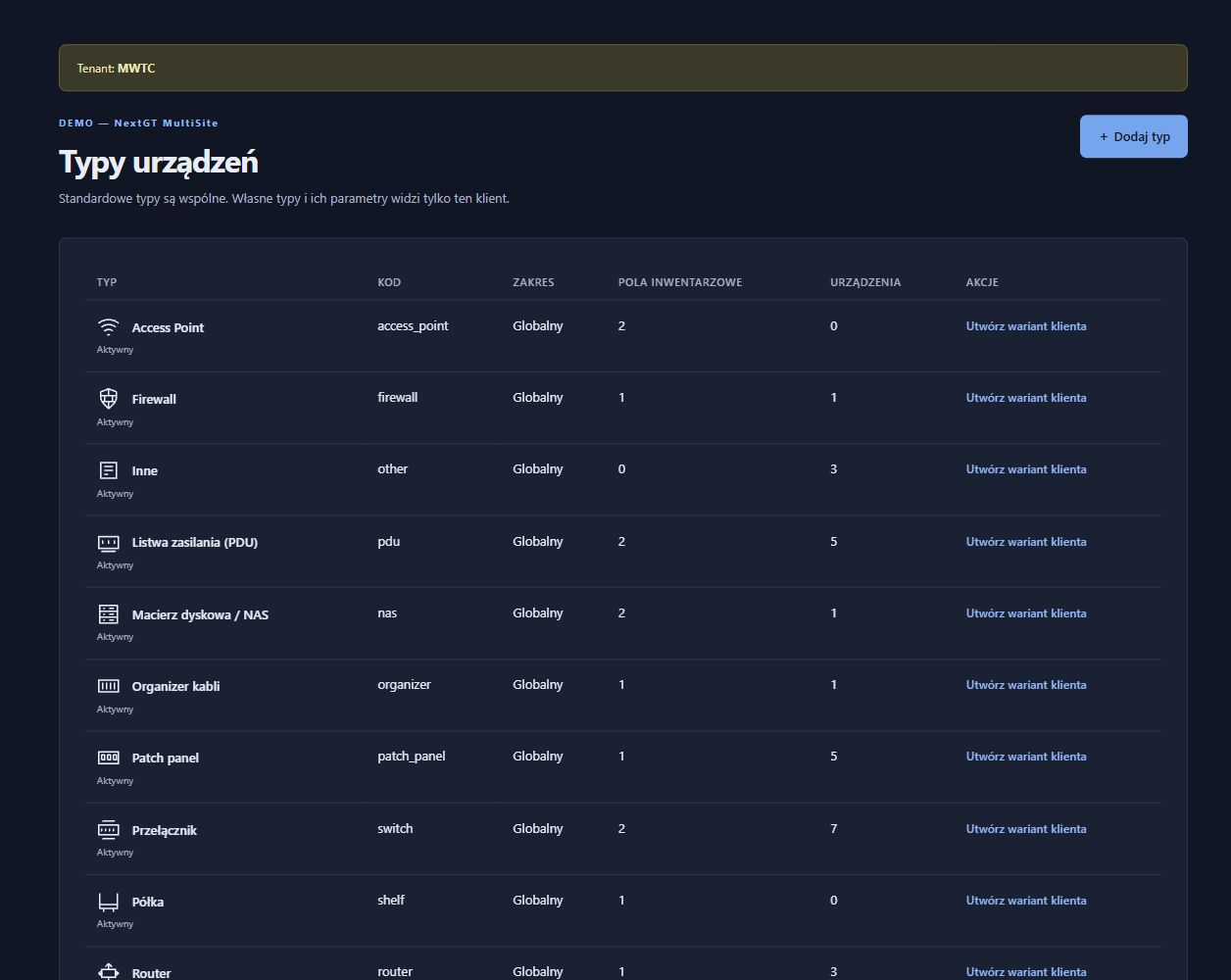
These scenarios illustrate possible uses, not customer case studies. Screenshots come from a RackDocs demonstration environment and show the Polish interface.