Industrial IT and OT
Questions you can answer
- Which IT/OT devices belong to this location?
- Which technical details should be checked before maintenance?
- Which physical ports and paths connect the documented equipment?
01. Agree an inventory model for your plant.
Device types and custom fields let you adapt records to the equipment actually installed. Agree how to record manufacturer, model, technical role and production-line identifier. Where an owner or criticality value is needed, record it in agreed custom fields; the organisation defines and maintains that classification.
- Define the required device types and descriptive fields.
- Prepare templates for repeated equipment.
- Agree the meaning of values with IT and maintenance teams.
02. Place equipment in its physical context.
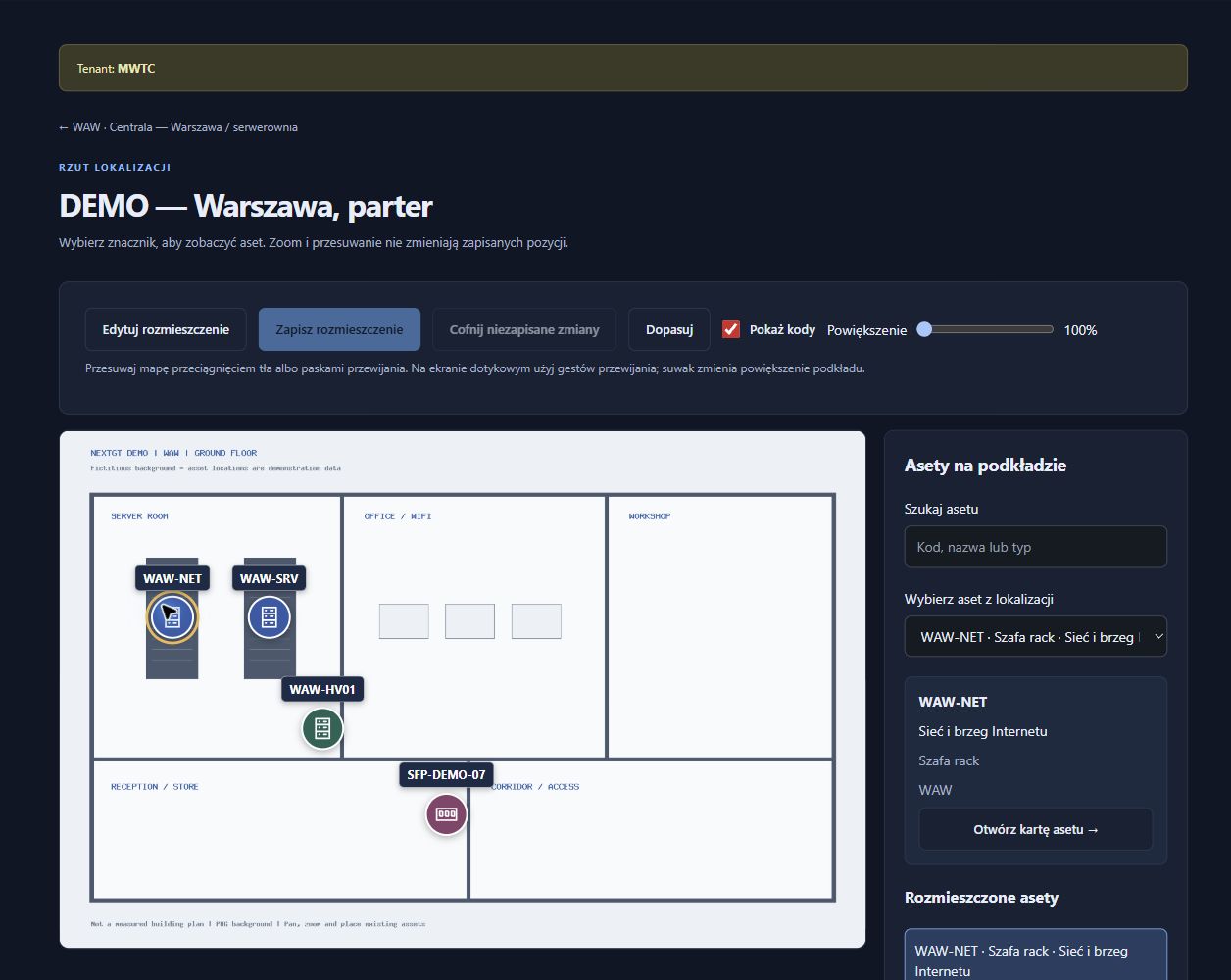
Not every device lives in a standard rack. Locations and mounting places give the documentation a suitable context. A site plan helps relate a record to a hall, room or mounting point. Technical details and location knowledge can then be maintained together rather than in separate files.
- Organise buildings, rooms and mounting places.
- Associate equipment with the correct place.
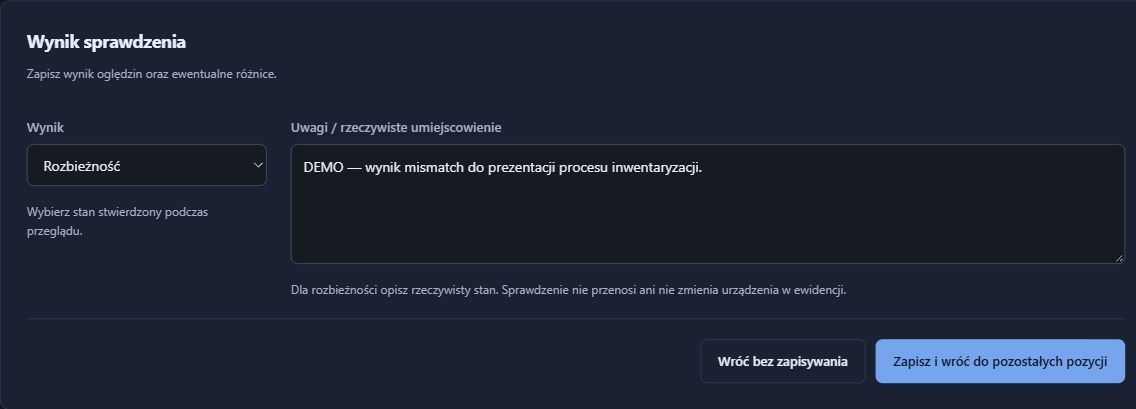
- Verify the plan and equipment identifiers during a site visit.
03. Prepare records for planned work.
Recorded ports, cables and fibre paths help describe the physical connections involved in maintenance. Before a shutdown, the team can review the information together, then verify it in the field. Update the records afterwards. The responsible specialists still assess process impact and prepare a safe work plan.
- Check ports and cable endpoints before making changes.
- Include recorded optical modules and fibre paths where relevant.
- Update documentation and review change history after the work.
What the team has afterwards
- An agreed description of IT/OT equipment.
- Devices linked to locations and documented ports.
- A shared knowledge base for preparing work and reviewing record updates.
RackDocs is a documentation tool. It does not automatically scan OT networks, connect to PLCs, control processes or verify logical network segmentation.
NIS2 / KSC
An asset inventory is also a starting point for NIS2 and KSC.
For organisations covered by NIS2/KSC, OT assets need to be considered within the appropriate risk management scope. RackDocs helps build an inventory and document physical dependencies. This provides input for assessments by people who understand the process and its security needs.
How RackDocs supports NIS2 / KSC preparation →Explore the features used
These scenarios illustrate possible uses, not customer case studies. Screenshots come from a RackDocs demonstration environment and show the Polish interface.