IT administrators
Before unplugging a cable, know where it goes.
Replace switches, work in racks and hand over shifts with device records, port details and documented cable endpoints at hand.
Explore the scenarioRACKDOCS IN EVERYDAY WORK
Replacing a switch, taking over a customer environment or reviewing assets for a security assessment requires more than a device list. See how equipment, locations and connections become documentation your team can work with.
IT administrators
Replace switches, work in racks and hand over shifts with device records, port details and documented cable endpoints at hand.
Explore the scenarioIntegrators and MSPs
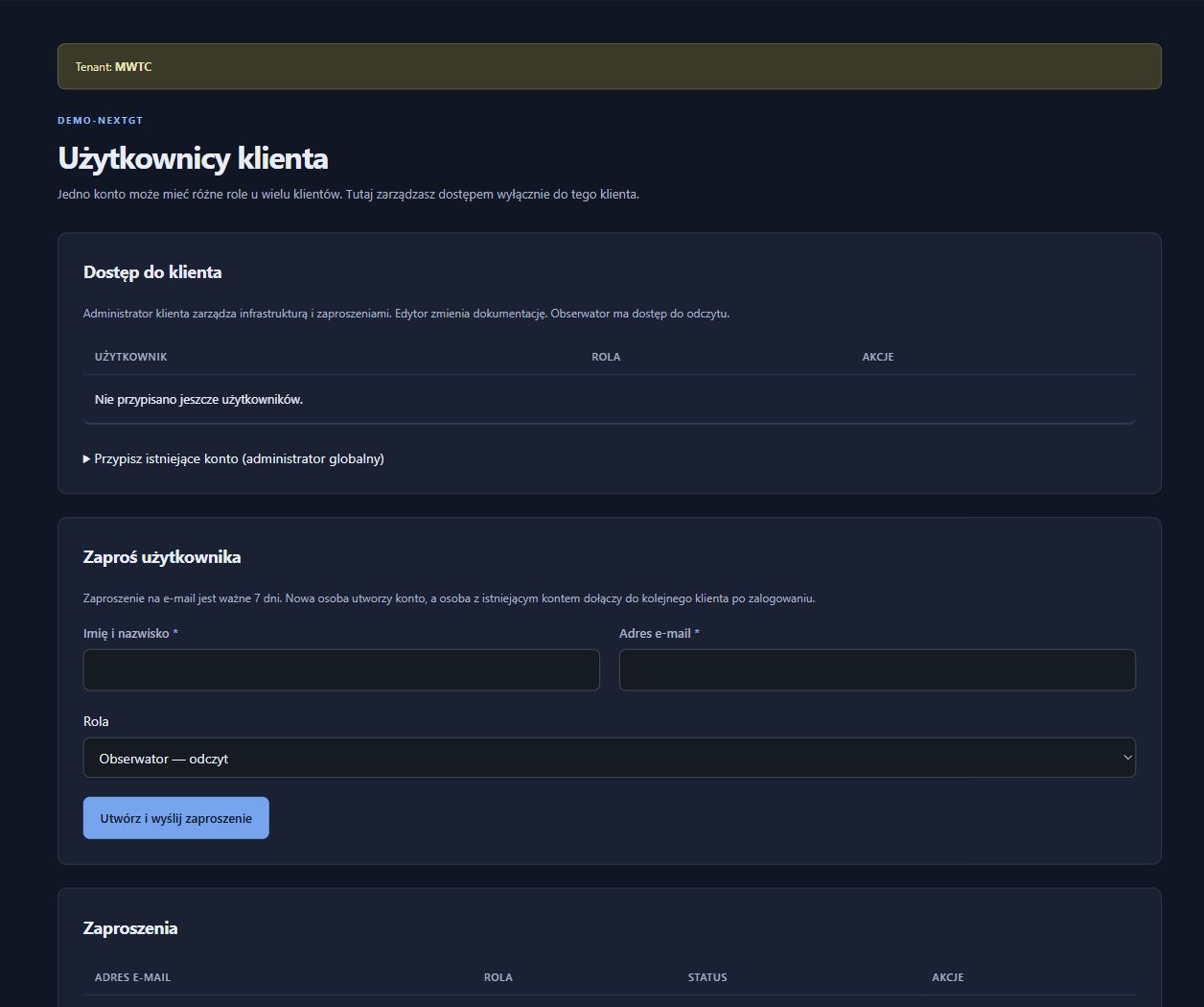
Organise multiple customers’ documentation, standardise equipment records and control access during service delivery and infrastructure handover.
Explore the scenarioMulti-site organisations
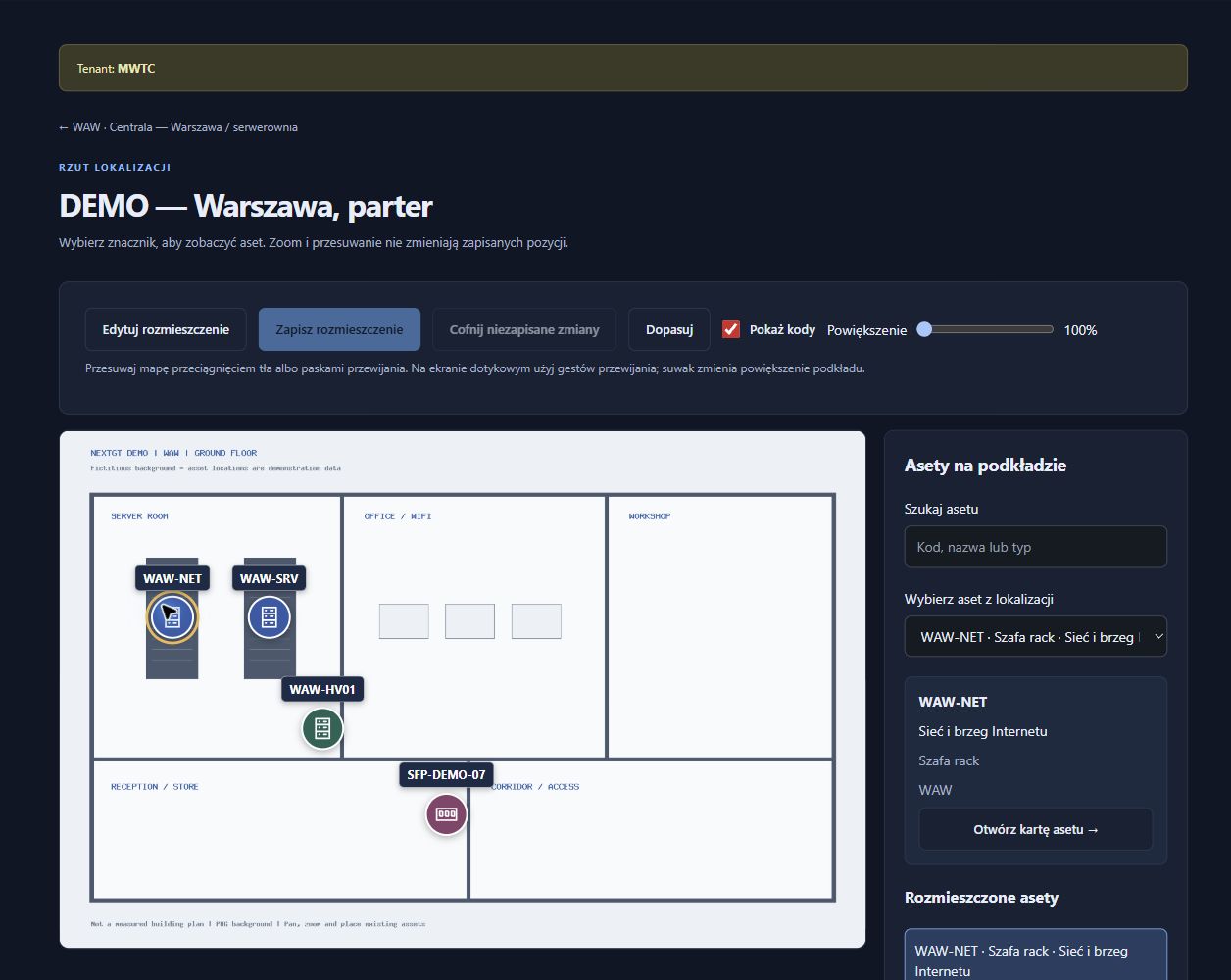
Shared records for offices, warehouses and branches: from site plans and access points to racks, fibre paths and stocktake results.
Explore the scenarioIndustrial IT and OT
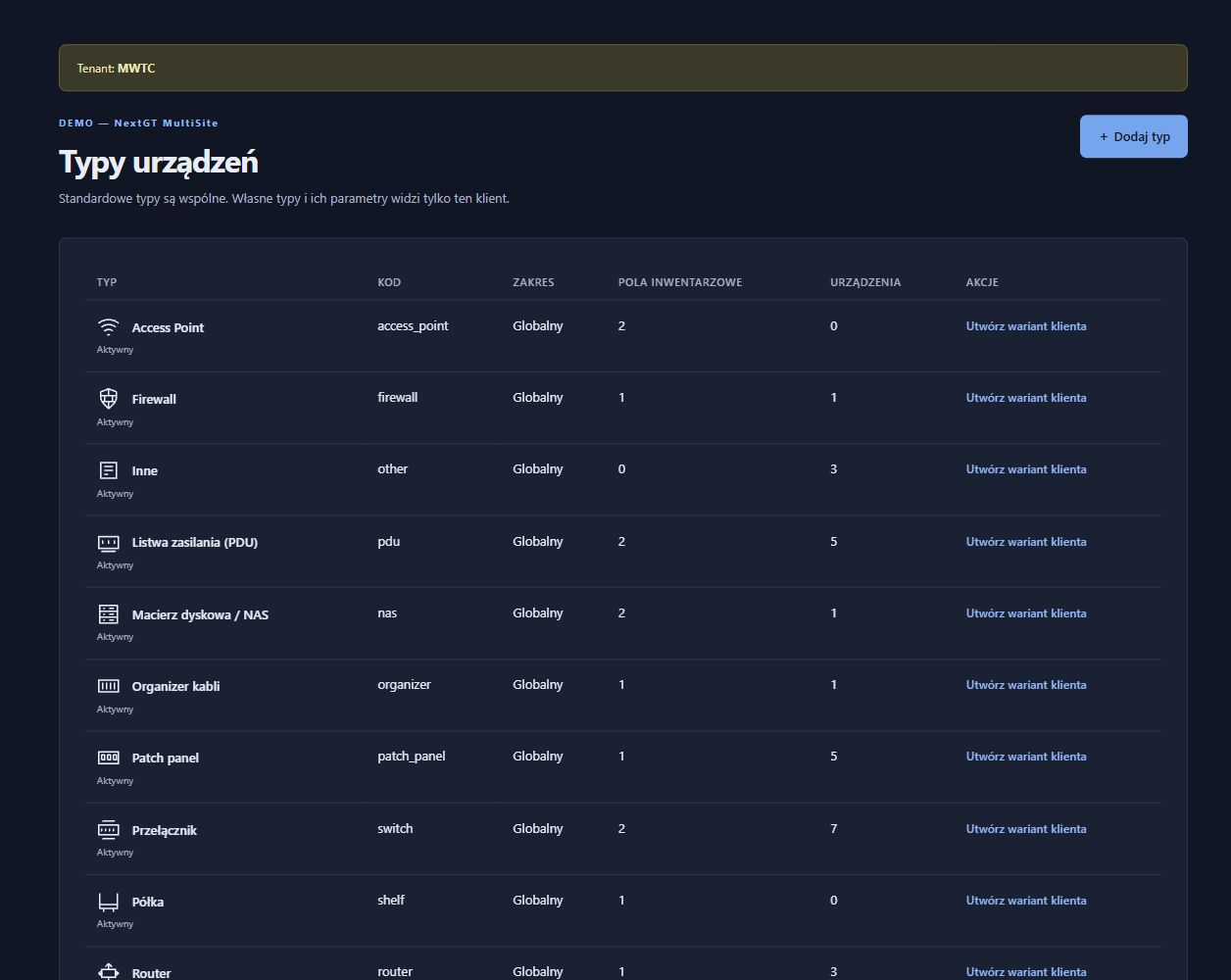
Document IT/OT equipment, custom technical fields, mounting places and physical connections in a shared language for plant teams.
Explore the scenarioSecurity and audit teams
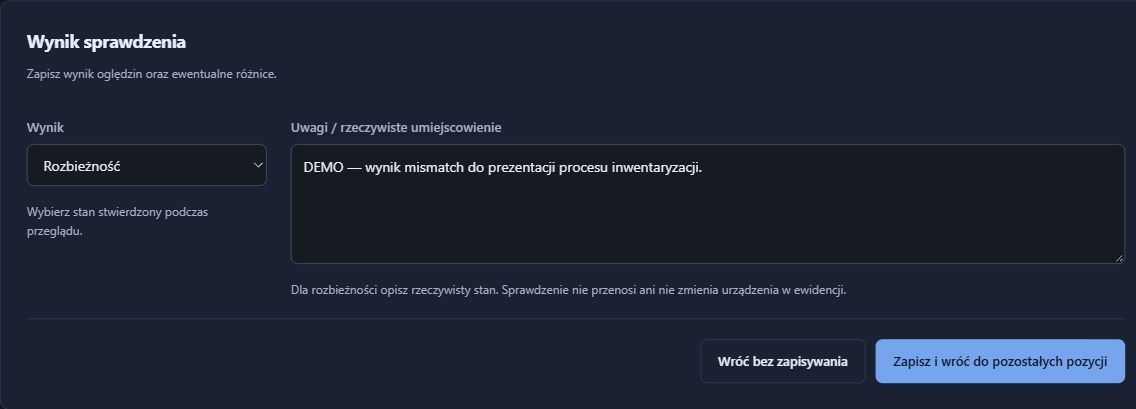
Prepare infrastructure records, physical dependency documentation and review material for the asset management areas of NIS2/KSC.
Explore the scenarioIT managers
Shared records for teams and partners, inventory reviews and an agreed process for handing over responsibility for maintaining information.
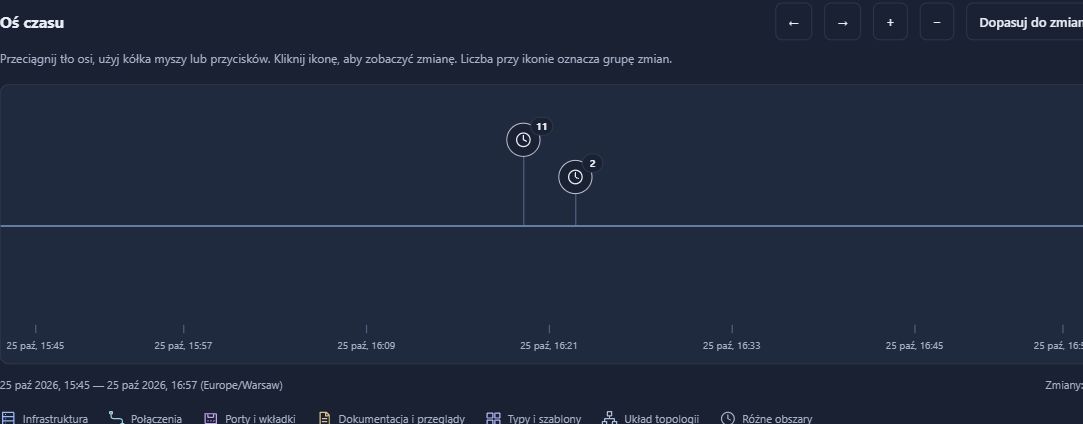
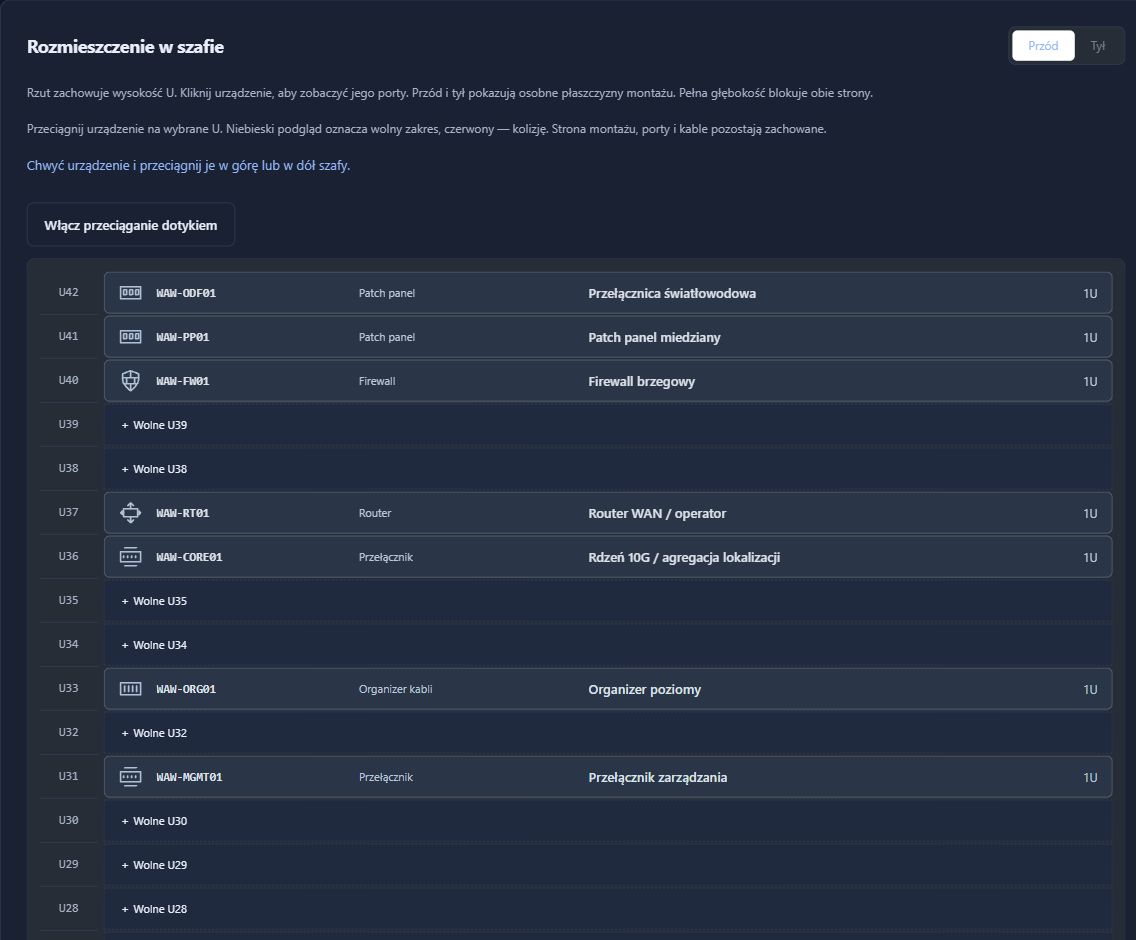
Explore the scenarioThese scenarios illustrate possible uses, not customer case studies. Screenshots come from a RackDocs demonstration environment and show the Polish interface.
THE EASIEST WAY TO EXPLORE RACKDOCS
In around 30 minutes, we will walk through example equipment, locations and connections. No installation or customer data required. Tell us which scenario you would like to see in the enquiry form.