Integrators and MSPs
Questions you can answer
- Which customer and location does this asset belong to?
- Which team members can access this customer’s records?
- How can we hand over an up-to-date description after the job?
01. Separate environments and responsibilities.
Start with customers, sites and mounting locations. Two identical switches at different customers remain distinct records with a clear context. Then configure customer access and suitable roles for the team. A new colleague can work with documentation tied to the environment they actually support.
- Agree names for customers, buildings and racks.
- Assign users to the appropriate customers.
- Review roles before sharing technical documentation.
02. Make documentation repeatable.
Device types, templates and custom fields help the team describe similar equipment consistently. At takeover, agree which identifiers and details your process requires. Recording ports and cables makes the result useful for a technician visiting the customer for the first time.
- Create a template for commonly installed equipment.
- Agree port names and cable identifiers.
- Review existing information using the JSON import preview before importing.
03. Hand over knowledge with the service.
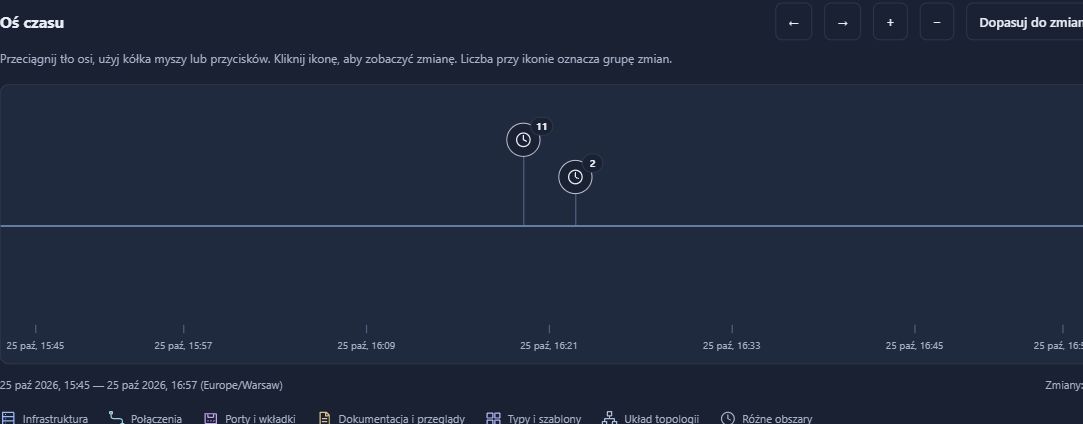
Documentation can continue beyond the installation sign-off. Update the inventory after work and choose a report or export suitable for the agreed handover. Export profiles help select the information for the recipient. Change history can help explain the updates recorded during service delivery.
- Choose a PDF report or an available export appropriate to the task.
- Review its scope and confidentiality before sharing the file.
- Agree who will maintain the records, and when.
What the team has afterwards
- A separate documentation context for each customer.
- Consistent equipment and connection records the team can understand.
- Handover material and an agreed process for maintaining it.
Access scope must be configured and checked. RackDocs does not replace ticketing, MSP billing or agreements on responsibility for the customer’s security.
NIS2 / KSC
An asset inventory is also a starting point for NIS2 and KSC.
A customer preparing for NIS2/KSC needs to understand the assets covered by a service and access to their documentation. RackDocs helps organise that information. Responsibilities, supplier assessment and contractual security requirements still need to be agreed between the parties.
How RackDocs supports NIS2 / KSC preparation →Explore the features used
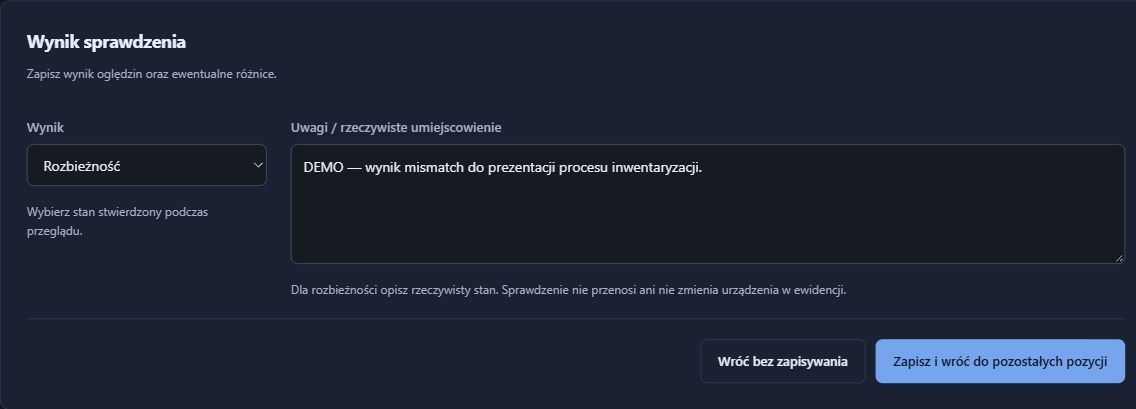
These scenarios illustrate possible uses, not customer case studies. Screenshots come from a RackDocs demonstration environment and show the Polish interface.