IT managers
Questions you can answer
- Where can the team find current equipment and connection records?
- Can a new colleague locate an asset without asking their predecessor?
- What information supports maintenance planning and inventory review?
01. Establish a shared reference.
Start with one site and agree what a complete device and connection record means. Customers, locations, racks and device records provide a readable structure. Custom fields can hold agreed organisational details. Assign responsibility for updates in the team’s process, rather than stopping at the first equipment list.
- Agree naming conventions and required information.
- Assign people to update documentation after maintenance.
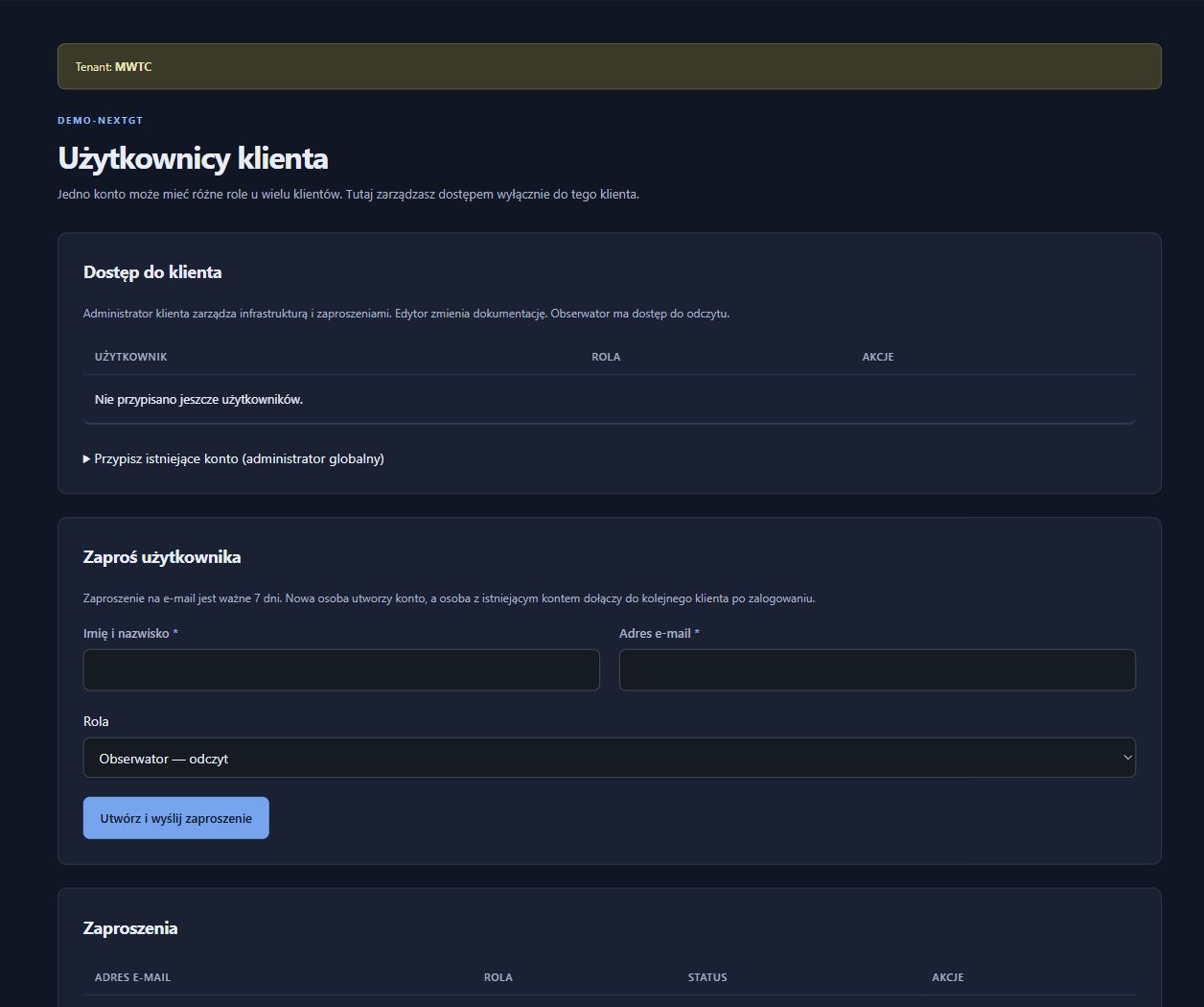
- Give the team access appropriate to their roles and customer scope.
02. Hand over work with specific records.
Before a move, supplier change or planned replacement, review the equipment and recorded dependencies. Rack views and connection details give technical discussions a shared reference. A report can prepare selected material for the recipient. The team uses this input to develop its own schedule, budget and work risk assessment.
- Identify the sites and devices involved.
- Verify the records with the person carrying out the work.
- Prepare an appropriate report or export.
03. Keep records useful after the project.
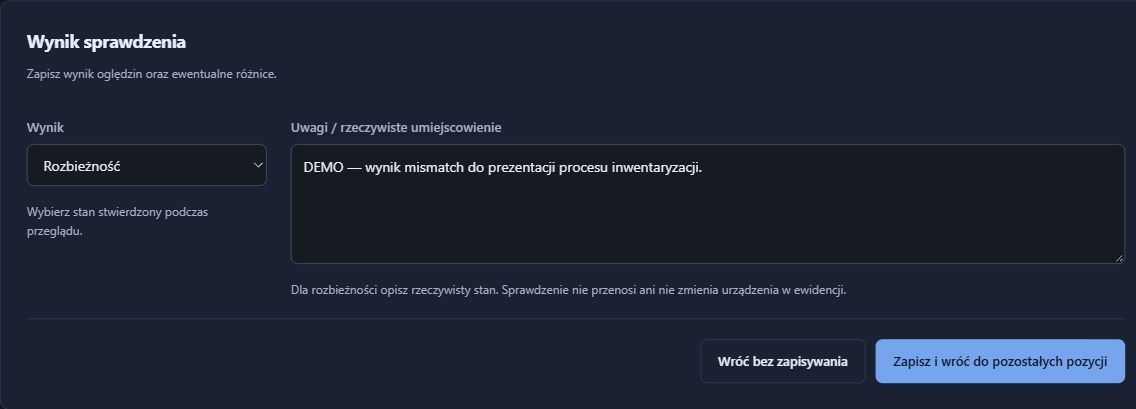
Inventory rounds and change reviews help the team revisit data quality as everyday work continues. Stocktake results start a discussion about discrepancies, while history shows updates recorded in the system. Agree regular reviews and a process for resolving gaps so documentation remains useful when the team changes.
- Compare inventory records with the physical environment.
- Investigate differences and update confirmed information.
- Include documentation updates in the completion of maintenance work.
What the team has afterwards
- Documentation available to authorised people in the organisation.
- Clear material for handing over tasks and knowledge.
- An agreed verification routine beyond the initial stocktake.
RackDocs organises technical documentation. It does not automatically manage budgets, risk or the organisation’s entire compliance programme.
NIS2 / KSC
An asset inventory is also a starting point for NIS2 and KSC.
NIS2/KSC preparation needs organisational involvement as well as tools. RackDocs helps start with a concrete area: equipment and dependency records. Management gains material for agreeing responsibilities, further work and asset management reviews.
How RackDocs supports NIS2 / KSC preparation →Explore the features used
These scenarios illustrate possible uses, not customer case studies. Screenshots come from a RackDocs demonstration environment and show the Polish interface.